
A small photo cleanup
Five minutes.
A little less clutter.
You don’t have to sort your whole library today. Pick a starting point, make a few choices, and leave time to review. Keep any photo you are unsure about.
This page is free. It does not access, upload, or delete photos. Use the checklist with Lighter or your usual Photos app.
Your next small session
Keep it manageable.
Use the timer if a small time limit helps.
0 of 5 steps checked
Checkmarks and the timer reset when you reload this page. Nothing is saved or sent.
The flow in Lighter
Your photos.
Your decision.
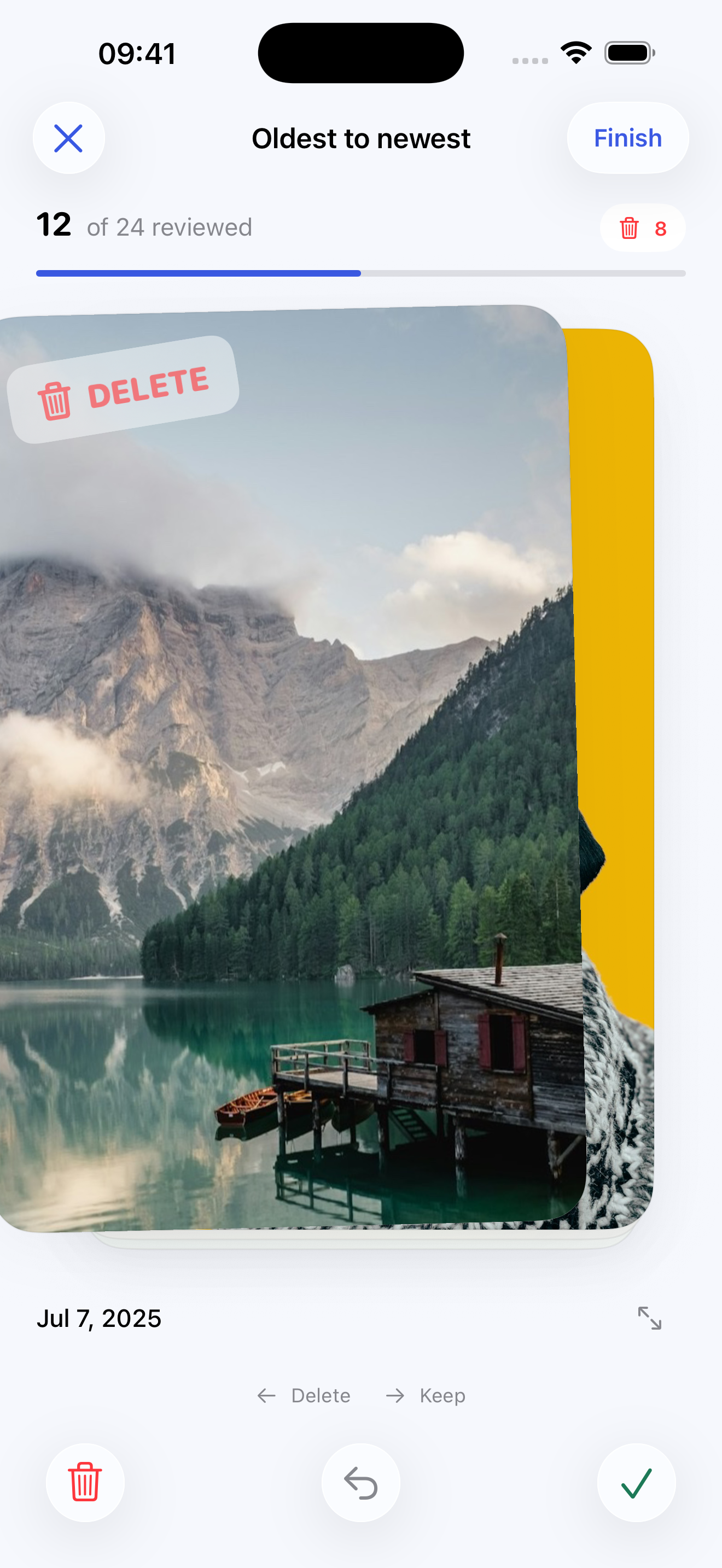
- Sort. Choose oldest or newest first. Swipe left to mark a photo for deletion and right to keep it. Use Undo if you change your mind.
- Review. Tap Finish to inspect the marked photos together. Change any selection before deletion.
- Confirm. Deletion needs confirmation in Lighter and approval of the Apple Photos deletion request.
Lighter does not automatically detect duplicates. Videos and hidden photos are excluded. If you use iCloud Photos, deletions can sync to your other devices.
A little now. A little later.
Make the next session easy.
In Lighter, cleanup progress is saved on your device so you can return to it later. In Photos, pick one album or date range for your next session. A small cleanup still counts.
Questions about photo access or deletion?